


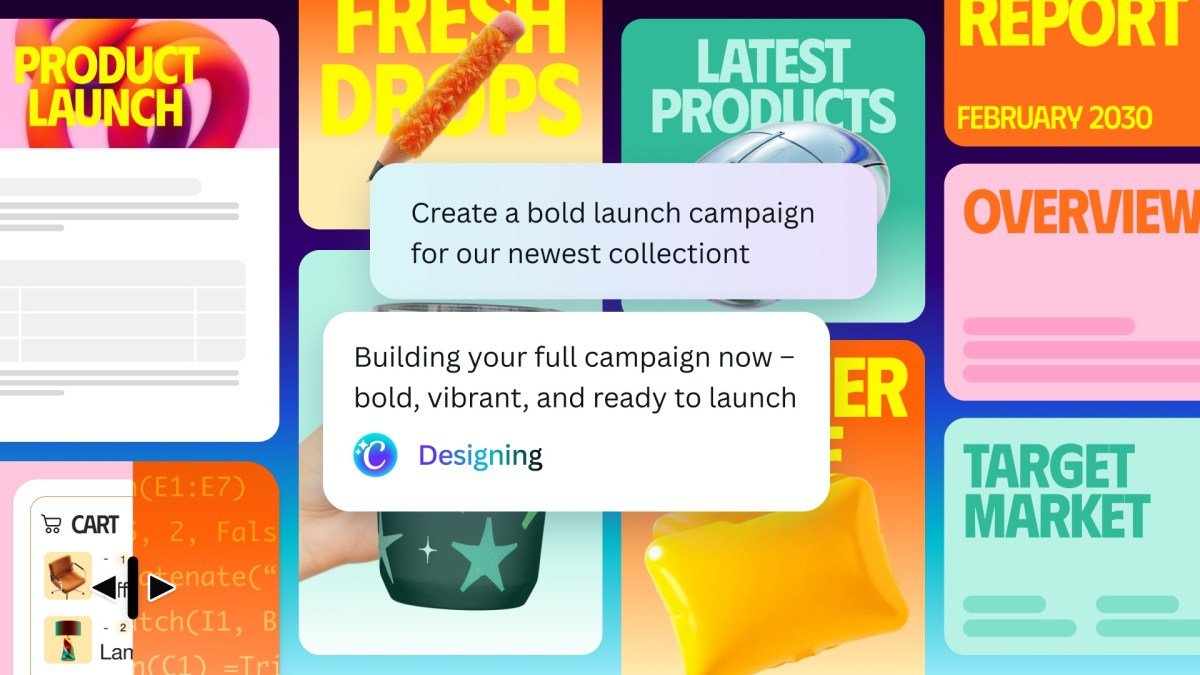
The core promise of new AI platforms is that you can describe your task to the AI assistant, let it plan the task and use the relevant tools for you, and keep your preferences in mind for future tasks. This is especially important for design professionals, as they want to have a predictable, automated workflow for creating content and media assets.
Canva is leaning into this paradigm in the latest version of its Canva AI assistant, which uses its AI model to let users create editable designs with text prompts. Users can describe what they want it to make, and the bot will call the required tools and come up with a few options. The assistant uses layers to make designs, which gives users the flexibility to tweak different aspects of the final product as they see fit.
The update comes as Canva has been working on making its AI assistant central to users’ workflows and adding more features such as image generation and website generation.

Canva’s competitors also seem to be working toward a similar goal. This week, Adobe launched a Firefly AI assistant that can use the company’s various apps to do tasks, and Figma last month baked in support for AI agents in its platforms with an MCP server.
Canva’s co-founder and COO, Cliff Obrecht, noted that while many companies are trying to merge workflows, businesses prefer to execute the final steps of editing and publishing on Canva.
“I think a lot of small businesses start and end their day, and they’ll do a lot of their workflows completely, in Canva,” Obrecht said. “We also work incredibly well with Anthropic, Google, and OpenAI, so if someone is doing their agentic workflows in those products, they can call Canva, get content, and they can get it back into those LLMs. But they always need to end up doing the final mile of editing, collaboration, and deployment. That’s where we really are strong,” Obrecht added.
While a large chunk of Canva’s revenue comes from individual and small teams, its enterprise business is showing promising growth of 100% year-on-year, Obrecht said. He added that the company, most recently valued at $42 billion, per PitchBook, will likely go public next year.
Techcrunch event
San Francisco, CA
|
October 13-15, 2026
As part of this update, Canva is also adding integrations with Slack, Gmail, Google Drive, Calendar, and Zoom, so users can choose to allow the AI bot to build context by reading email, conversations, files, and meeting data. The company is adding a web research skill, too, so the AI bot can browse the internet to do tasks for you.
The update also adds scheduling as a feature, so you can tell the AI bot to schedule repeatable tasks to run in the background. This feature will only create a draft that you can review and post, though.
Canva is refining its existing AI tools, too. Its AI code generator can now import HTML, and users can use text prompts to describe the kind of spreadsheets they want to generate.
The company says that it has improved its AI models’ efficiency, claiming that its Lucid Origin image-generation model is now 5x faster and 30x cheaper, and its 12V image-to-video model is 7x faster and 17x cheaper.
Canva AI 2.0 is launching in research preview this week, and the company plans to make it available to all users in the coming weeks.
