


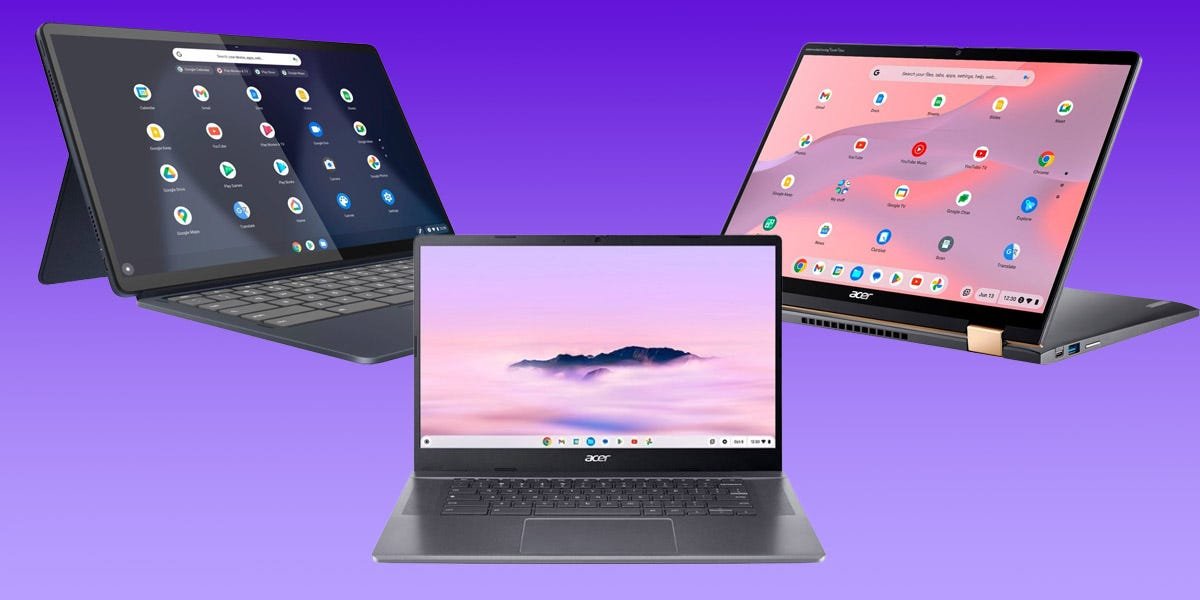
What is a Chromebook?
Most computers in the world either run on Windows or macOS. But Chromebook laptops run on a unique operating system called ChromeOS, which is mostly based around running programs made by Google. This includes productivity cloud apps like Google Docs and Google Drive, but also sites that you use every day, like Gmail and YouTube.
Because they rely so heavily on Google apps, Chromebooks can’t run nearly as many programs as Windows or Mac devices. It’s also harder to use them offline, since so many Google services need an internet connection. Chromebooks do let you download and use nearly any Android smartphone app, but compared to Windows and macOS, Chromebooks still don’t have nearly as many available programs or customization options.
But in exchange, Chromebooks are routinely faster and more stable. They also offer far superior battery life and protection from malware, nearly all at affordable prices. There’s a reason that Chromebooks have become so common in US classrooms: They’re cheap, simple to use, and hard to break.
Aside from younger students, Chromebooks are mainly made for casual computer users. If all you need a laptop for is browsing the internet, watching videos, and using social media, Chromebooks are a great option. They’ll also support light productivity work, like document and spreadsheet editing, or basic graphic design through web apps like Photoshop Online.
What’s the difference between Chromebook Plus laptops and other Chromebooks?
Chromebooks have been around for over a decade now. But in October 2023, Google announced the Chromebook Plus line, a series of laptops with top-tier specs, onboard AI tools, and loads of free perks.
All Chromebook Plus laptops are guaranteed to have at least these specifications:
Processor: 12th Gen Intel Core i3 or better, AMD Ryzen 3 5000-series or betterRAM: 8GB or moreStorage space: 128GB or moreWebcam: HD (1080p) or betterScreen quality: Full HD (1920×1080) IPS or better
These are all high-end specs for a Chromebook. When you buy a model that’s labeled “Chromebook Plus,” you know you’re getting a great laptop.
Chromebook Plus laptops are also guaranteed to receive free software updates for at least 10 years after each laptop’s release. The first updates, which are already out, add some interesting AI tools like Google’s Magic Eraser and photo generators.
But the most exciting thing about Chromebook Plus is that it’s a standard, not a brand. If you own a Chromebook that’s not labeled “Plus,” but it meets the specs listed above, you’re still entitled to all those updates and tools. This includes our high-end pick, the Acer Chromebook Spin 714, and our gaming pick, the Acer Chromebook 516 GE — even though they’re not labeled “Plus,” they meet the standards.
Can you play games on a Chromebook?
Yes, but not to the extent that you can on a PC.
The most accessible ways to play games on a Chromebook are through cloud streaming services like Xbox Game Pass and Nvidia GeForce Now, or by downloading Android games through the Play Store app. Both methods will give you access to hundreds of popular games across a variety of genres.
Just note that to use cloud streaming apps, you’ll need a fast internet connection and a monthly paid subscription — although all Chromebooks come with three free months of Nvidia GeForce Now. And not all Android games work with a keyboard and mouse — some require a touchscreen.
You’ve also got access to loads of fantastic Steam games by using the beta Chromebook app. Unfortunately this only accounts for a small slice of Steam’s catalog, but it still includes some fantastic titles, like DOTA 2, Stardew Valley, and Rimworld. And of course, there are always browser games on sites like Newgrounds and Itch.io.
Check out our full article on how to play games on your Chromebook for more details. And if you’re looking for a gaming rig with more powerful hardware than even the best Chromebooks can offer, check out our guide to the best gaming laptops.
Can you use Chromebooks offline?
Once it’s set up, you can use your Chromebook freely offline. But most of its apps — like Chrome, YouTube, and the Play Store — won’t work until you have an internet connection.
If you need to work offline, just download the files you need beforehand. You’ll still be able to edit them using Google Docs and other apps, even without a connection.
