


When you buy through our links, Business Insider may earn an affiliate commission. Learn more
There’s nothing more frustrating than finally setting up your TV, console, or streaming device, hitting the power button, and being greeted by a big “No Signal Detected” message. In many cases, the culprit isn’t your TV or gadget — it’s a bad or outdated HDMI cable. To save you that headache, our tech experts rounded up the best HDMI cables that work reliably with today’s devices.
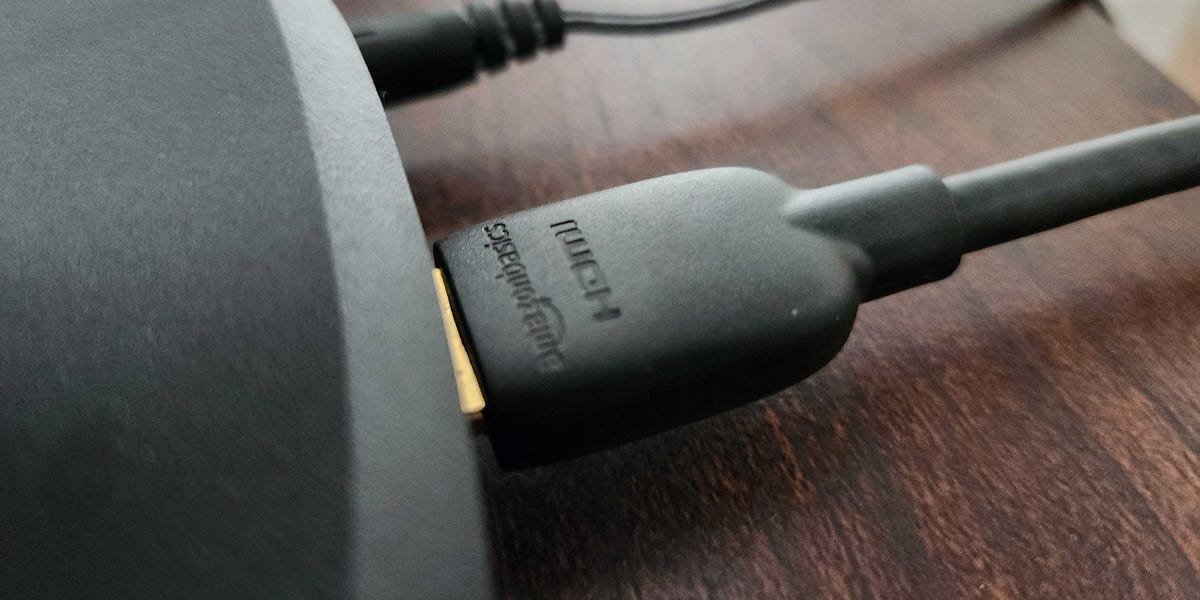
For most people, the Amazon Basics 48Gbps HDMI cable is the best option. It’s affordable, widely available, and consistently dependable in our testing across a range of TVs, consoles, and media players. You can buy it in three-, six-, or 10-foot lengths, and it supports every modern HDMI feature. If you’re looking for something a bit more durable, we also recommend this Highwings 48Gbps HDMI cable, which has a braided, anti-bend design.
Every option on our list of the best HDMI cables supports ultra-high-speed bandwidth, meaning they’re compatible with HDMI 2.1 features, such as 4K at 120Hz. While only certain devices — such as a PS5 or high-end gaming PCs — fully use that bandwidth, ultra-high-speed HDMI cables cost about the same as older versions and are compatible with all HDMI-equipped gear. Even if you don’t need the extra speed today, choosing one now helps future-proof your setup.
This affordable cable can transmit 4K/120Hz signals with support for all HDMI 2.1 features. It comes in sizes that range from three to 10 feet.
This ultra-high-speed HDMI cable has a rugged design with anti-break SR ports and a durable, nylon-braided, tangle-free construction.
Although pricey, this 25-foot HDMI cable uses an active chipset to boost its signal to prevent degradation over longer distances.
This braided cable is for connecting your TV or monitor to a device that has an HDMI Mini port, like a camera, tablet, or laptop.
This is an ideal option for buyers who need an HDMI cable that can fit into tight spaces without obstructing other ports in the area.
HDMI cable FAQs
Steven Cohen/Business Insider
What speed HDMI cable do you need?
There are several HDMI cable types, each certified for different bandwidth levels, which determine the resolutions, refresh rates, and features they support.
Standard: An older cable type that supports up to 720p or 1080i.High Speed: Rated for up to 10.2Gbps, supporting 1080p, 4K at 30Hz, 3D, and Deep Color.Premium High Speed: Certified for 18Gbps, enabling 4K at 60Hz, HDR, and wider color.Ultra High Speed: Rated for up to 48Gbps and supports all HDMI 2.1b features, including 4K at 120Hz, 8K at 60Hz, VRR, ALLM, dynamic HDR, and eARC.Ultra96: A new 96Gbps standard designed mainly for commercial HDMI 2.2 applications and unnecessary for most consumers.
Most HDMI cables sold today are either 18Gbps (Premium High Speed) or 48Gbps (Ultra High Speed). While 18Gbps cables are sufficient for HD or 4K resolution at 60Hz, 48Gbps cables cost about the same and offer better future-proofing.
Ultra High Speed HDMI cables support advanced gaming features like VRR and ALLM on devices such as the PS5, Xbox Series X, and gaming PCs, along with lossless audio formats like Dolby Atmos and DTS:X via eARC. For most buyers, choosing a 48Gbps cable is the safest long-term option.
Check out the HDMI Forum website for a full list of HDMI 2.1 features.
What length HDMI cables are available?
Most HDMI cables come in three-, six-, and 10-foot lengths, which are ideal for the majority of setups. Longer cables are available, but they require more care when choosing.
As cable length increases, signals can degrade, and cables become more vulnerable to damage from bending. For runs longer than 15 feet, we recommend using an active HDMI cable, which includes built-in signal boosting to maintain full bandwidth and reliable performance over longer distances.
What are the different sizes of HDMI connectors?
HDMI cables come with different connector sizes. Most TVs, monitors, game consoles, soundbars, and Blu-ray players use standard Type-A HDMI connectors.
Smaller devices may use other types:
Type-C (Mini HDMI): Smaller than Type-A and commonly found on cameras and some tablets.Type-D (Micro HDMI): Even smaller and less common, typically used on very compact devices like smartphones.
Always check your device’s port before buying a cable to ensure compatibility.
Do you need an expensive HDMI cable?
If you’re buying an HDMI cable 10 feet or shorter, you don’t need to spend much, even for ultra-high-speed models. HDMI signals are digital, so certified cables with the same bandwidth deliver identical picture and sound quality regardless of price. In most cases, there’s little reason to spend more than around $10 for a six-foot ultra-high-speed HDMI cable.
That said, higher-priced cables can offer better build quality, making them more durable and longer-lasting. Specialized designs, such as Mini HDMI, angled connectors, or extra-long cables, also tend to be more expensive.
For runs longer than 10 feet, signal degradation becomes more likely. In those cases, it’s worth paying extra for an active HDMI cable, which uses built-in signal amplification to maintain reliable performance over longer distances.
Do I need a specific cable to enable HDMI 2.1 gaming features?
Yes. To use HDMI 2.1 gaming features like 4K at 120Hz, you need an ultra-high-speed HDMI cable rated for 48Gbps. Every device in the signal chain must also support HDMI 2.1 and be connected with ultra-high-speed cables.
For example, if you connect a PS5 to a soundbar to a TV, all three devices must support HDMI 2.1 and 4K/120Hz. HDMI 2.1 ports are usually labeled on the device itself. Many of the best TVs include at least one HDMI 2.1 port. Support is less common on audio gear, though some of the best soundbars now offer HDMI 2.1 passthrough.
All of the HDMI cables we recommend in this guide support ultra-high-speed bandwidth and can enable HDMI 2.1 features when used with compatible devices.
